
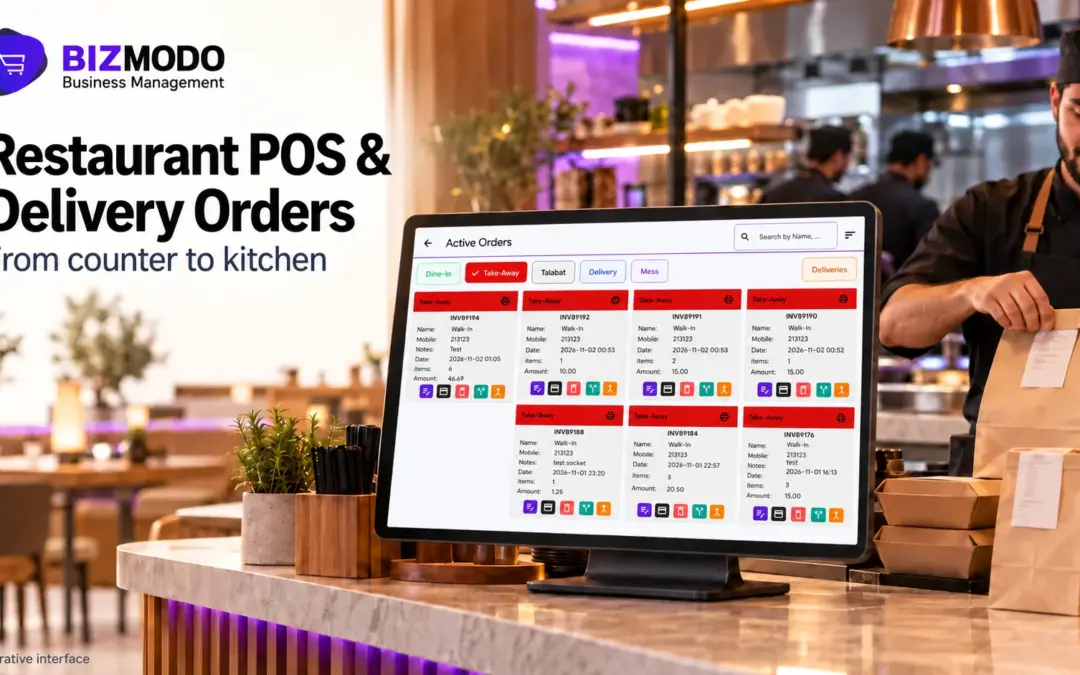
POS for restaurant software that syncs with Talabat brings delivery orders into the same system your cashiers, kitchen, and managers already use. Instead of reading an order off a separate tablet and typing it into the till, the order arrives in the point of sale (POS) system, goes to the kitchen, deducts stock, and appears in the same sales reports as dine-in and takeaway. For UAE operators, that means less re-keying, cleaner reconciliation, and one view of what every branch sold.
The catch is that “integration” means different things from vendor to vendor. This guide explains what a Talabat connection usually covers, where restaurants lose time and money without one, what to verify before you buy POS for restaurant software, and how to use a demonstration to see the full workflow rather than a feature list.
What “Syncs With Talabat” Should Mean in Practice
Talabat runs its own POS integration programme. According to Talabat’s integration guide, restaurants can connect through a POS provider that is already integrated with the platform, and in that case onboarding to receive orders through the POS takes around one to two weeks. The same page lists APIs for order management, menu management, store availability, and reporting.
That list is a useful benchmark when you compare POS for restaurant software. A complete connection typically covers four areas:
- Orders in: Talabat orders, including modifiers and customer notes, arrive in the POS without manual entry.
- Status out: staff accept, reject, or update orders from the POS, and the status reaches the platform.
- Menu and availability: prices, items, and out-of-stock status are managed from the POS rather than separately in the Talabat portal.
- Reporting: delivery sales sit alongside other channels for daily closing and branch comparison.
Not every POS for restaurant software provider supports all four. Talabat notes that pushing menu updates from the POS is optional and that restaurants should ask their provider whether it can be enabled. So “syncs with Talabat” could mean full two-way control, or it could mean orders arrive automatically while menu changes are still made by hand. Ask which one you are getting.
The Hidden Cost of Running Talabat on a Separate Tablet
Many restaurants start with a Talabat tablet beside the counter and no link to their POS for restaurant software. As order counts grow, the gaps turn into operational problems.
Re-keying takes time and introduces errors. Every delivery order has to be typed into the POS so the kitchen sees it and the sale appears in your records. During a lunch or iftar peak, the same cashier is serving walk-in customers too. Modifiers are easy to miss, whether it is “no onions,” extra sauce, or a swapped side, and a missed modifier becomes a remake, a complaint, or a refund.
Stock records drift. If a delivery order is never entered, or is entered as the wrong item, ingredient usage stops matching sales. By the end of the week the system says you have 4 kg of chicken left while the fridge holds 1.5 kg, and nobody can tell whether the gap is waste, theft, or unrecorded delivery orders.
Reconciliation becomes guesswork. Delivery platforms settle on their own cycle and their statements rarely match your till totals line by line. When delivery orders live in one place and dine-in sales in another, finance reconciles from exports and spreadsheets.
Menus fall out of step. You raise a price in the restaurant but forget to change it on Talabat, or an item sells out in the kitchen while customers keep ordering it online.
An illustrative example
The figures below are hypothetical and are included only to show the scale of the problem.
Consider a two-branch café that receives 80 Talabat orders per branch each day. If a cashier spends an average of 45 seconds re-entering each order, that is one hour of staff time per branch per day, or about 60 hours a month across both branches. Your own numbers will differ, but run this calculation before you evaluate POS for restaurant software, because it shows what a proper connection is worth to your operation.
How an Integrated Delivery Order Should Flow
Here is the workflow to look for when you assess POS for restaurant software with delivery-platform integration:
- A customer places an order on Talabat.
- The order appears in the POS order queue, labelled by source, and staff accept it, or it is accepted automatically if configured that way.
- The order prints as a kitchen order ticket (KOT) or appears on the kitchen display system (KDS), with modifiers intact.
- The kitchen marks the order as prepared, and the status update helps coordinate rider collection or customer pickup.
- The sale posts to the branch’s records with the channel and payment type recorded.
- Recipe-linked ingredients are deducted from that branch’s inventory.
- At closing, the manager sees delivery, dine-in, and takeaway sales in one report, and finance can match platform statements against recorded orders.
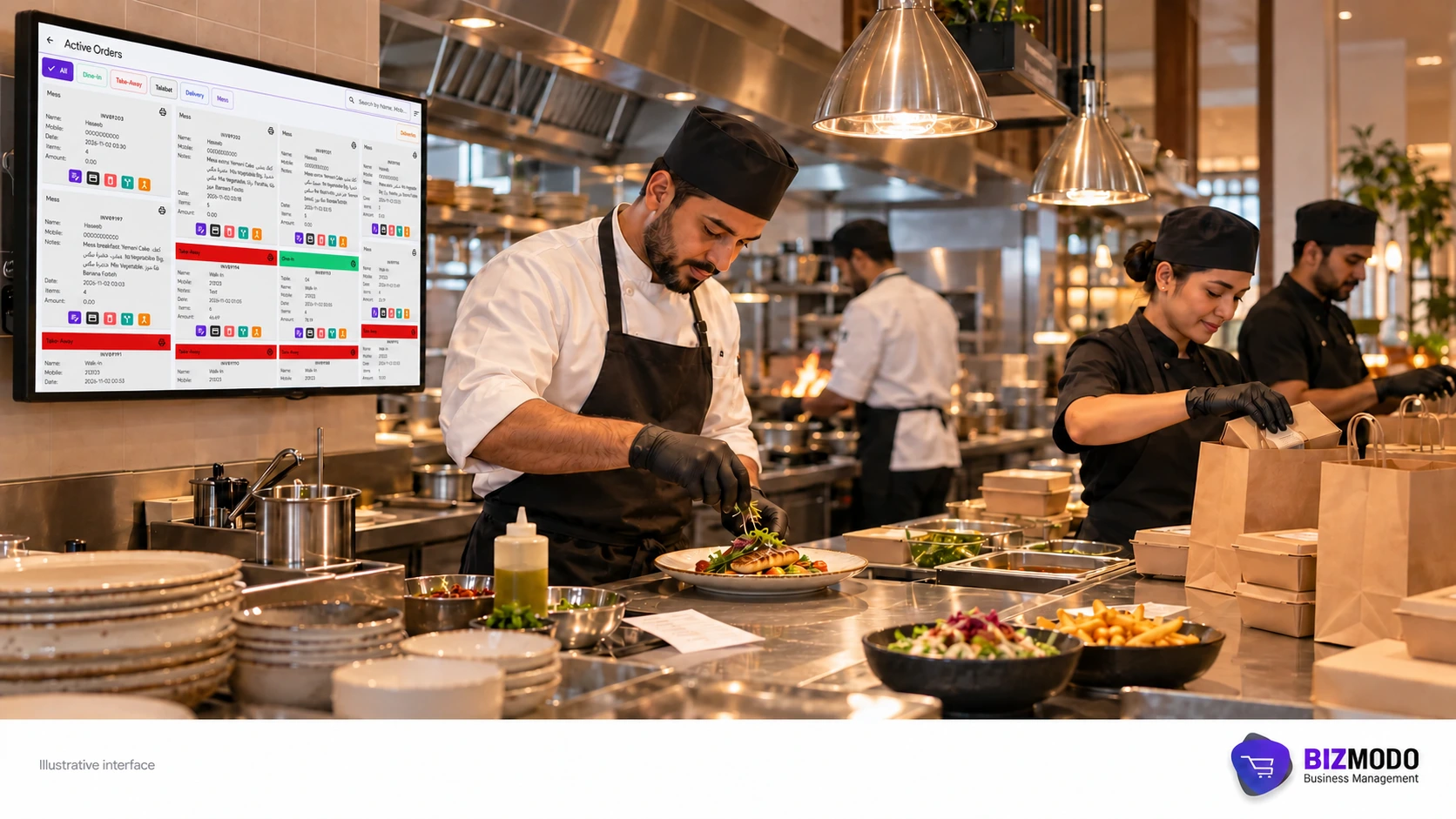
If a vendor’s demonstration stops after step 3, you are looking at an order-printing tool rather than connected operations. The value of POS for restaurant software lies in steps 5 to 7, where orders become accurate sales, stock, and accounting records.
Payments and Reconciliation: Where the Money Trail Breaks
Payments are where disconnected systems cause the most month-end pain. An order paid online through a delivery platform is settled differently from a card payment at your terminal or cash at the counter. If your POS for restaurant software records every order with its channel and payment method, you can produce a clear figure for Talabat sales in any period and compare it against the platform’s statement.
When you evaluate POS for restaurant software, check three things: delivery orders are tagged by channel and payment type, refunds and cancellations are recorded rather than deleted, and reports can be filtered by branch and date range.
Stock Control When Delivery Volumes Rise
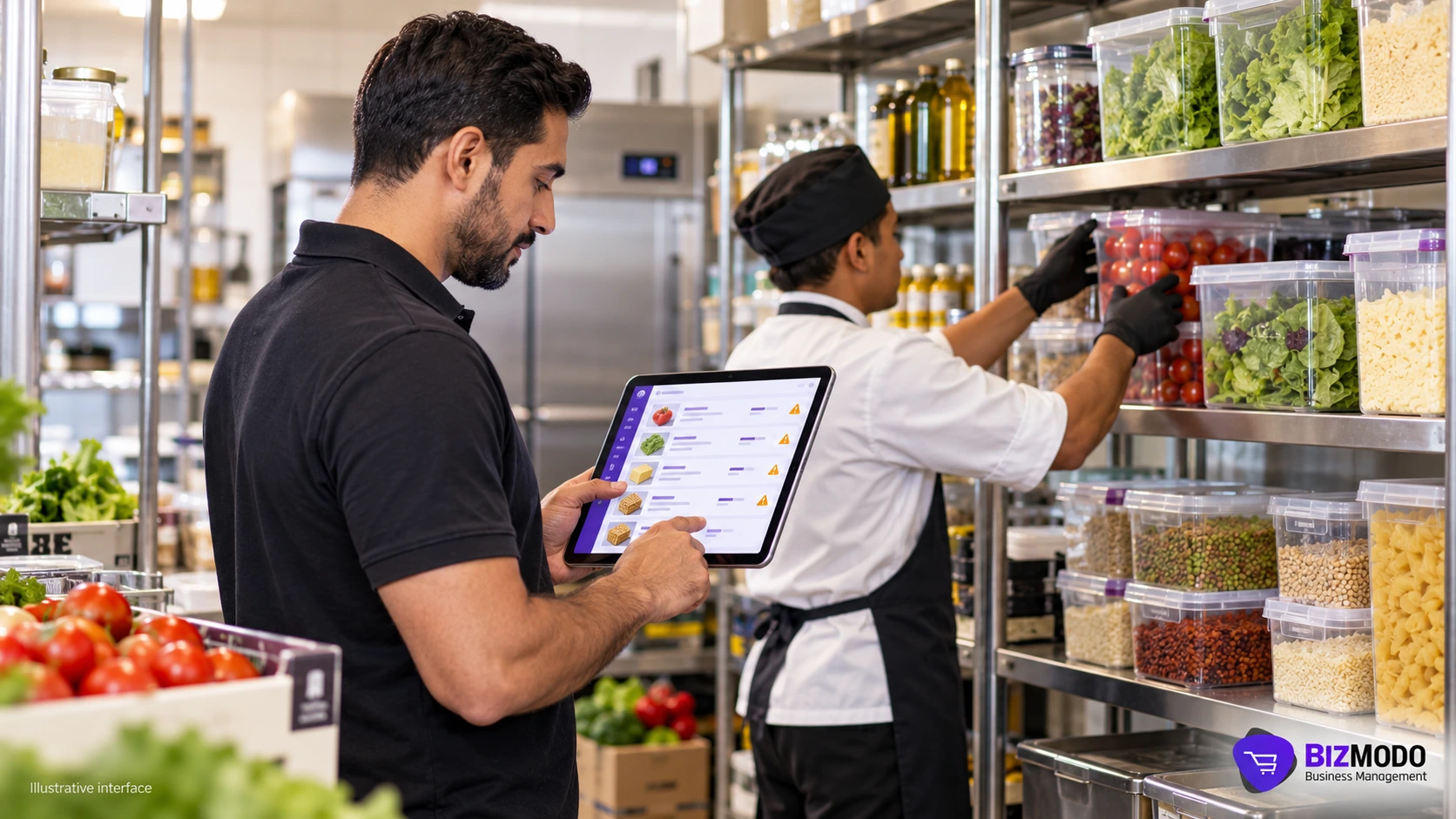
Integrated orders improve stock accuracy only if your POS for restaurant software deducts the right ingredients. That depends on recipe set-up: each menu item, and ideally each modifier, needs to be linked to the ingredients and quantities it uses. A large size or an extra-cheese add-on should consume more stock than the base item.
Capable POS for restaurant software also lets you record wastage separately from sales, transfer stock between branches, and set low-stock alerts. Without these, even perfectly synced orders will leave your stock figures unreliable.
What to Check Before You Choose
Searches for the best restaurant POS software usually lead to ranking lists, but the right system depends on your channels, branch count, and team. Use the questions below to test any shortlist of POS for restaurant software.
Questions about the Talabat connection
- Is the integration live with Talabat today, and is it running for restaurants in the UAE?
- Does it cover orders only, or menus, prices, and item availability as well?
- Can staff accept, reject, and update order status from the POS?
- What happens if the internet drops while orders are arriving: are they queued, and where?
- Is there an extra fee for the integration, and who supports you when an order fails to arrive?
Questions about daily operations
- Can each branch keep its own menu, prices, and stock while head office sees consolidated reports?
- Do modifiers carry through to the kitchen screen and to inventory deduction?
- Can managers view sales by channel, branch, and payment type without exporting to spreadsheets?
- Does the system support English and Arabic for staff and receipts?
- Which devices does it run on, and does it work with your existing printers and payment terminals?
If you are comparing restaurant POS software Dubai providers offer, also ask about local support hours and request a demonstration that mirrors your own workflow instead of a generic tour.
UAE Tax and Invoicing Considerations
VAT-registered restaurants need billing that calculates tax correctly and produces invoices in the required format. Software can apply rates and invoice templates consistently, but your accountant or tax adviser remains responsible for confirming how delivery sales, platform fees, and discounts are treated. No POS for restaurant software makes a business compliant on its own.
E-invoicing is the other date to track. Under Ministerial Decisions No. 243 and 244 of 2025, available on the Ministry of Finance e-invoicing page, businesses with annual revenue of AED 50 million or more must implement the Electronic Invoicing System from 1 January 2027, and businesses below that threshold from 1 July 2027. The initial phase focuses on business-to-business and business-to-government transactions, so most walk-in and delivery sales sit outside it for now. Corporate catering accounts and supplier invoices are a different matter, so confirm your scope with your adviser. Our guide to getting a POS ready for UAE e-invoicing covers the questions to ask your provider.
Common Mistakes When Connecting a Delivery Platform
- Careless menu mapping. If Talabat item names and modifiers do not match POS items, orders arrive but stock and reports are wrong. Map deliberately and test with real orders.
- Going live at peak time. Switch on the integration during a quiet period, run test orders, and keep the tablet available as a fallback for the first days.
- Ignoring cancellations. Decide how cancelled and partly refunded delivery orders are recorded so they do not inflate sales.
- Training only the cashier. Kitchen staff, shift supervisors, and whoever closes the day all need to know where delivery orders appear.
- Treating integration as set-and-forget. Compare a sample of orders against the platform statement every week until you trust the numbers.
Most of these mistakes are about process rather than technology. Even the best restaurant POS software will produce misleading reports if the menu mapping is wrong or nobody owns the weekly check.
Where BizModo Fits
BizModo is a cloud-based POS and ERP platform based in Abu Dhabi. Its POS for restaurant software includes a kitchen display and kitchen app for marking orders as cooked, table and waiter management, QR code ordering, and online payment links sent by SMS or email. Modifiers and add-ons can be linked to ingredients, inventory is tracked by location with stock transfers between branches, and reports cover daily sales, cooking times, and inventory wastage. Each branch can have its own database and branch-specific products while being managed from one platform, and the system runs on Android, Windows, iOS, and Mac with English and Arabic support.
On delivery, BizModo’s restaurant page states that the system includes order management, delivery tracking, and integration with delivery partners, and that restaurants can receive online orders through its app or their own eCommerce website. Because the details of a Talabat connection, including what syncs, how onboarding works, and any associated costs, depend on your set-up, confirm them for your branches during a demonstration. For the finance side, BizModo’s VAT accounting software connects sales with a central chart of accounts.
Frequently Asked Questions
Do I still need the Talabat tablet after integrating?
Talabat lets restaurants choose during configuration whether to accept or reject orders through the POS or through the Talabat device. Keeping the tablet available as a backup during the first days after go-live is a sensible precaution.
How long does Talabat POS integration take?
According to Talabat’s integration FAQs, onboarding takes one to two weeks if your POS provider is already integrated; otherwise, the timeline depends on technical resources.
Can one POS handle Talabat orders for several branches?
Talabat describes its Restaurant Integration API as a way to manage orders, menus, and restaurant branches through the POS. Whether a given POS for restaurant software routes each branch’s orders to the right kitchen and stock location depends on the vendor, so test it with two branches during a demo.
Choosing POS for Restaurant Software With Confidence
The right POS for restaurant software turns Talabat from a separate screen into one more sales channel, recorded the same way as every other order. Judge each option on the full journey of a delivery order, from acceptance to stock deduction to the closing report, rather than on whether the word “Talabat” appears in a brochure.
If you are reviewing POS for restaurant software for one or more UAE branches, message BizModo on WhatsApp or call +971 50 405 9006 to discuss your delivery channels, branch set-up, and stock workflow, and ask for a demonstration that follows a delivery order from the kitchen to the end-of-day report.
 BizModo

