
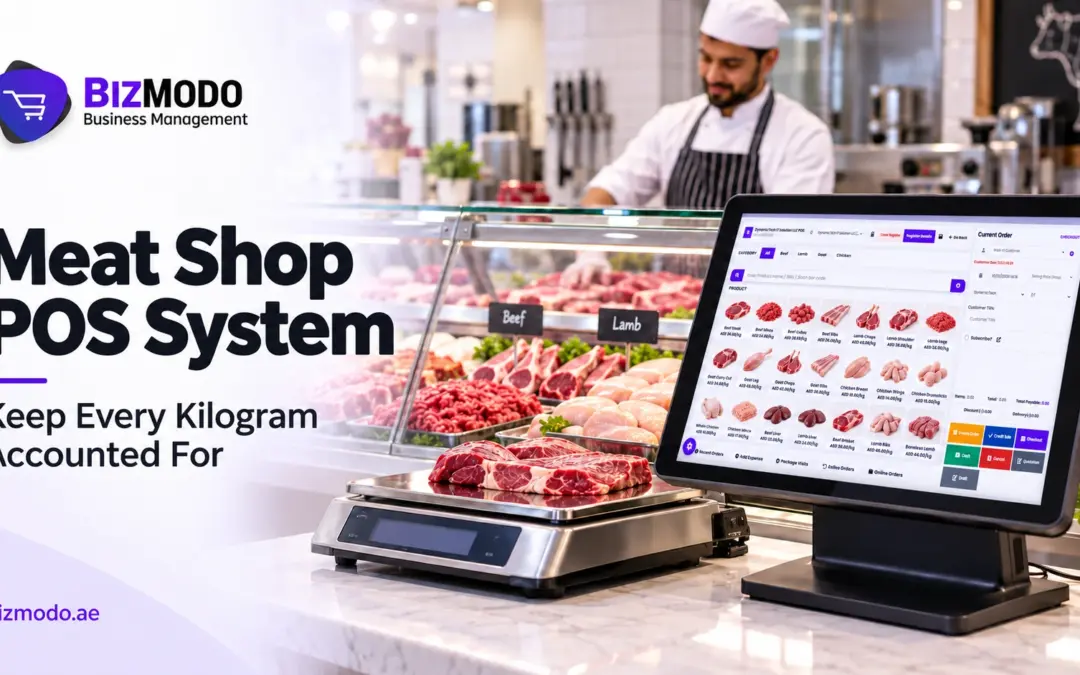
A meat shop POS system stops silent profit leaks by putting every kilogram, every order and every dirham into one connected record. When the price per kilo, the stock count, the payment and the invoice are captured in the same transaction, gaps between what you bought, what you cut, what you sold and what you banked become visible. Without that link, a butchery can look busy and still lose margin every day without anyone noticing.
This guide explains where those leaks usually hide, how a well-configured meat shop POS system closes them, what to check before you buy, and how BizModo fits for UAE meat retailers.
Where Meat Shops Lose Money Without Noticing
Meat retail is unforgiving. Stock is perishable, it is sold by weight, and its value changes the moment a carcass is broken into cuts. Small errors that would be trivial in a general retail shop add up quickly behind a butcher’s counter.
Price and weight errors at the counter
In many shops, the butcher weighs an item, reads the number aloud or writes it on a slip, and a cashier types it into a till. Each hand-off is a chance for a mistake: a rounded weight, the wrong cut selected, or an old price per kilo that was never updated after the supplier raised theirs. None of these errors trigger an alarm. They simply shave a few dirhams off each sale, and they repeat every time the same cut is sold.
Trimming, wastage and spoilage that never get recorded
Bone, fat trim, drip loss and unsold stock that has to be discarded are a normal part of the trade. The leak is not the loss itself; it is the loss that nobody writes down. If 50 kg of lamb arrives and only 41 kg is sold, the difference may be legitimate yield loss, unrecorded wastage, a pricing error or theft. Without records, you cannot tell which.
Orders and payments that live in different places
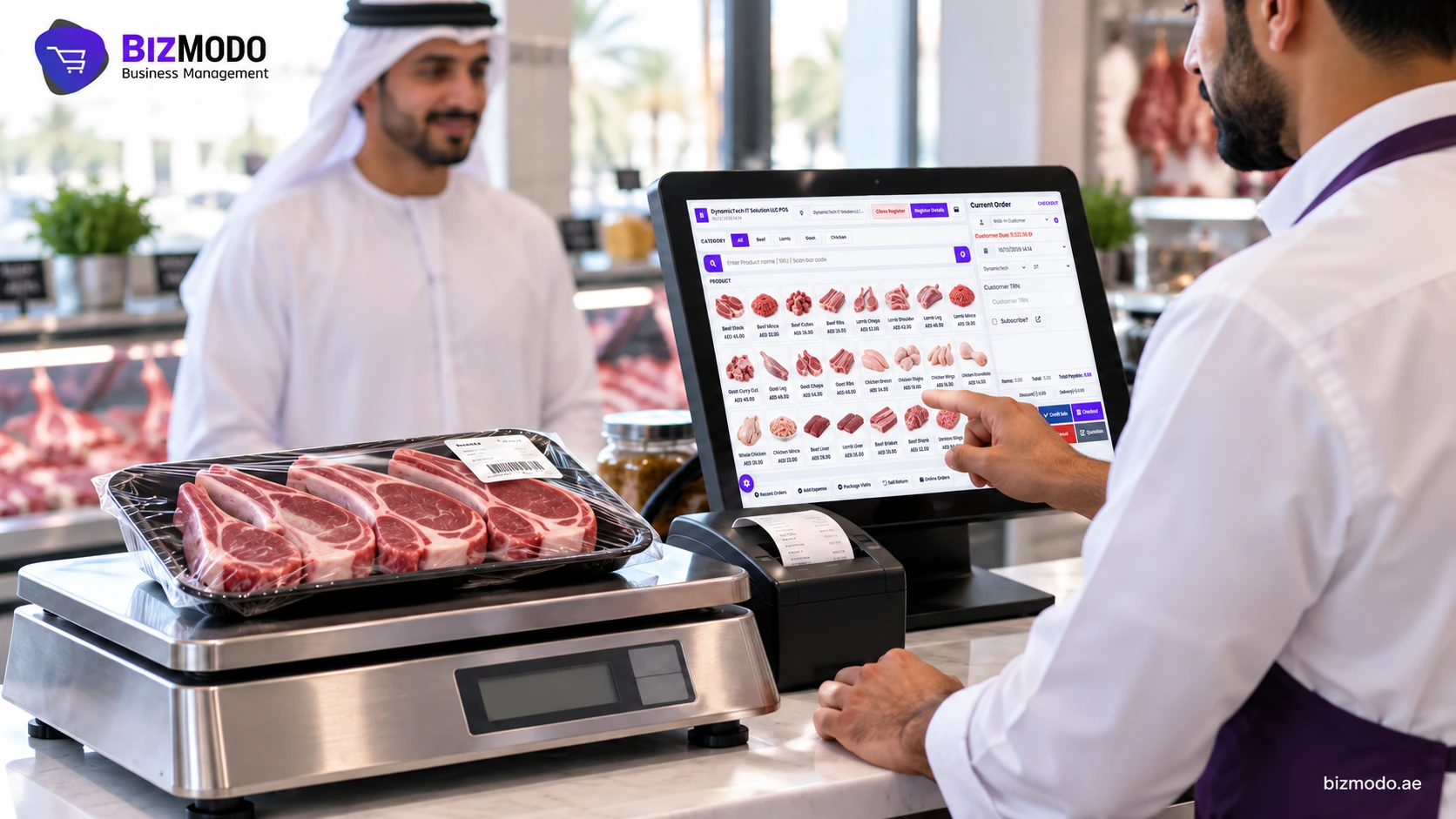
Phone orders on a notebook, online orders on a tablet, card payments on a separate terminal and cash in the drawer create four versions of the day. When they are reconciled by hand at closing, it is easy to miss an order that was prepared but never paid, or a delivery charge that was never added. A meat shop POS system that records counter, phone and online orders against the same stock avoids that end-of-day guesswork.
Credit customers and branch transfers
Restaurants, caterers and regular households often buy on account. If those balances sit in a spreadsheet, overdue payments are easy to overlook. Shops with more than one branch face a similar problem when stock moves between locations without a formal transfer record: one branch looks short, the other looks over, and neither number is reliable.
An Illustrative Example: What a Small Gap Costs
The following figures are hypothetical and are included only to show how the arithmetic works.
Imagine a shop that sells an average of 300 kg of meat a day at an average of AED 40 per kilo. If just 2% of that volume disappears through unrecorded wastage, mis-keyed weights or untracked giveaways, the shop loses 6 kg a day, or about AED 240. Over a 30-day month, that is roughly AED 7,200 in sales value that never reaches the books.
The exact figure in your shop will differ. The point is that a leak small enough to ignore on any single day becomes a meaningful number over a month, and you cannot fix a number you cannot see. A meat shop POS system will not eliminate wastage, but it can show you how much there is and where it occurs.
How a Meat Shop POS System Closes Each Leak
The value of a meat shop POS system comes from following one product through its whole journey in the same record. A practical daily workflow looks like this:
- Receiving. Incoming stock is recorded by weight against the supplier’s delivery, so you know exactly what entered the shop and what it cost.
- Pricing. Each cut has a price per kilo set centrally. When a price changes, it changes once, for every till and every branch, instead of relying on staff to remember.
- Selling. The cashier selects the item, the weight determines the price, and the sale deducts that weight from stock. The receipt, the stock movement and the payment are created together.
- Recording loss. Trim, spoilage and disposal are logged as stock adjustments with a reason, rather than vanishing silently.
- Closing. At the end of the day, sales by payment method, stock on hand and adjustments are available in reports, so the manager compares expected and actual figures instead of rebuilding the day from paper.
When these steps run in one meat shop POS system, the questions that used to take an evening to answer, such as which cut has the highest wastage or which branch has unexplained shortages, can be answered from a report.
What BizModo Offers for Meat Retailers
BizModo is an all-in-one POS and ERP platform for UAE businesses. Its Meat Shop POS System page describes billing, inventory and customer management built for meat retail. Based on what BizModo states on its website, several of its features map directly to the leaks described above.
For pricing and stock, BizModo says its inventory tracks meat products by weight and supports weight-based pricing, and products can be given barcodes for tracking and faster checkout. For multi-branch shops, stock can be transferred between locations with a record of each movement, which addresses the problem of one branch looking short while another looks over.
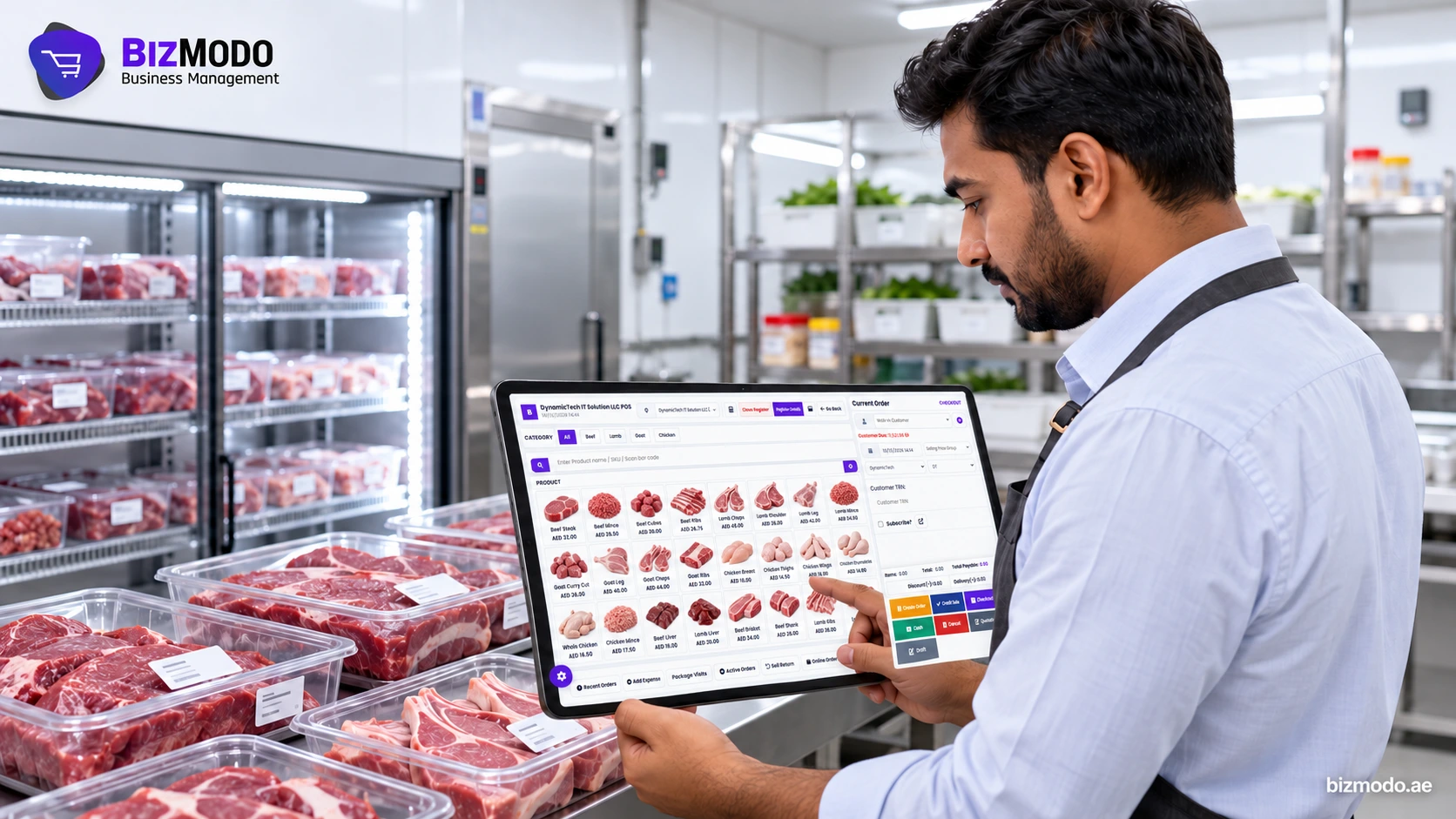
For orders and payments, online orders can be managed alongside in-store sales rather than in a separate system, and BizModo states that it accepts cash, card and online payments. Sales feed into a centralised chart of accounts, with reporting and analytics on sales trends, so the closing figures come from the same records as the day’s transactions.
For control, staff can be given roles and cashier rights, and activity can be reviewed through audit logs. That helps managers trace who changed a price, gave a discount or adjusted stock. BizModo also offers loyalty programmes with points and discounts for repeat customers.
For billing, BizModo’s VAT accounting software page describes VAT calculation, tax invoices with TRN (Tax Registration Number) details, and Arabic and English invoice formats. The platform runs on web, mobile and desktop, and BizModo offers a 7-day free trial.
For shops that also operate slaughtering or processing, BizModo lists a separate slaughter house POS on its homepage, focused on traceability from reception to dispatch. If your business covers both, ask how that module connects to the Meat Shop POS System.
What to Verify Before Choosing a Meat Market POS System
Feature lists for a meat shop POS system look similar from one vendor to the next. What matters is how the system behaves with your products, your staff and your volume. Use the points below as a checklist when you evaluate any meat market POS, including BizModo.
Scale and label workflow. Ask how weights reach the till. Can the system read from your existing scales, or will staff enter weights manually? Can it print weight-and-price labels for pre-packed trays? Confirm this with your exact scale models before you buy, because it affects speed and accuracy more than any other feature.
Yield and cutting records. If you break down whole carcasses or primals, ask whether the system can record what goes in and which cuts come out. If it cannot, decide how you will track yield outside the system.
Wastage reasons. Check that stock adjustments can carry a reason code, such as trim, spoilage or customer return, so wastage reports are meaningful rather than a single unexplained number.
Credit accounts. If you supply restaurants or caterers, confirm the system tracks customer balances, issues full tax invoices with the buyer’s details, and shows overdue accounts clearly.
Connectivity. Ask what happens if the internet drops during a busy evening. BizModo’s homepage mentions cloud backup with offline access; ask to see how sales made offline are synchronised afterwards.
E-invoicing readiness for trade customers. The UAE is introducing a national e-invoicing system in phases. According to KPMG’s summary of the Ministry of Finance announcement, businesses with annual revenue of AED 50 million or more go live on 1 January 2027, and those below that threshold must appoint an accredited service provider by 31 March 2027 and go live on 1 July 2027. If you invoice businesses, ask any vendor how its system will connect to that process. BizModo’s guide on e-invoicing readiness for grocery POS systems covers the practical questions in more detail. Software supports compliance; it does not guarantee it, so confirm your obligations with your tax adviser.
Total cost. Ask for meat shop POS system pricing in AED that covers software, the number of users and branches, hardware, setup and ongoing support, so you can compare options on the same basis.
Common Mistakes When Rolling Out a New System
Even a capable Meat Market POS System will underperform if it is introduced carelessly. These are the mistakes that most often undermine the result:
- Loading inaccurate opening stock. If the first stock count is a guess, every report after it inherits the error. Do a proper physical count by weight before go-live.
- Letting staff bypass the system. If some sales still go through a notebook or a quick cash sale without a receipt, the leak simply moves. Make the meat shop POS system the only way to sell.
- Skipping wastage entries. Staff often see recording trim and spoilage as extra work. Explain that these entries protect them as much as the business, because they explain the shortfall.
- Giving everyone full access. Not every cashier needs permission to change prices or give discounts. Set roles from the start.
- Ignoring the reports. A meat shop POS system only pays for itself if someone reviews the numbers. Set a weekly routine to compare purchases, sales and wastage by cut.
Frequently Asked Questions
Is a meat shop POS system worth it for a single small butchery?
Usually, yes, if you sell enough volume for small daily errors to add up. The main benefit is visibility: knowing your real margin by cut and catching losses early. A free trial is a low-risk way to test whether the workflow suits your counter.
Will a POS system stop theft completely?
No system stops theft on its own. What a meat shop POS system can do is make unexplained differences visible, tie discounts and adjustments to the user who made them, and shorten the time between a loss happening and a manager noticing it.
Can I start with one branch and add more later?
BizModo describes multi-branch management and stock transfers as part of its platform, so starting with one location and expanding is a reasonable approach. Confirm how pricing changes as you add branches and users.
Bringing It Together
Silent profit leaks in a meat shop rarely come from one big mistake. They come from many small gaps between the scale, the till, the stock sheet and the cash drawer. A meat shop POS system closes those gaps by recording weight, price, stock and payment in one place, and by making loss something you measure instead of something you suspect.
The right meat shop POS system for your shop is the one that fits how your butchers actually work, from receiving to closing. Before committing, test it against your products, your scales and your busiest hour.
If you would like to see how BizModo’s Meat Shop POS System handles weight-based sales, wastage records and branch transfers in a setup like yours, contact BizModo to discuss your requirements or request a demonstration. Bring a list of your main cuts and a typical day’s orders, and use the session to check the workflow against your own counter.