
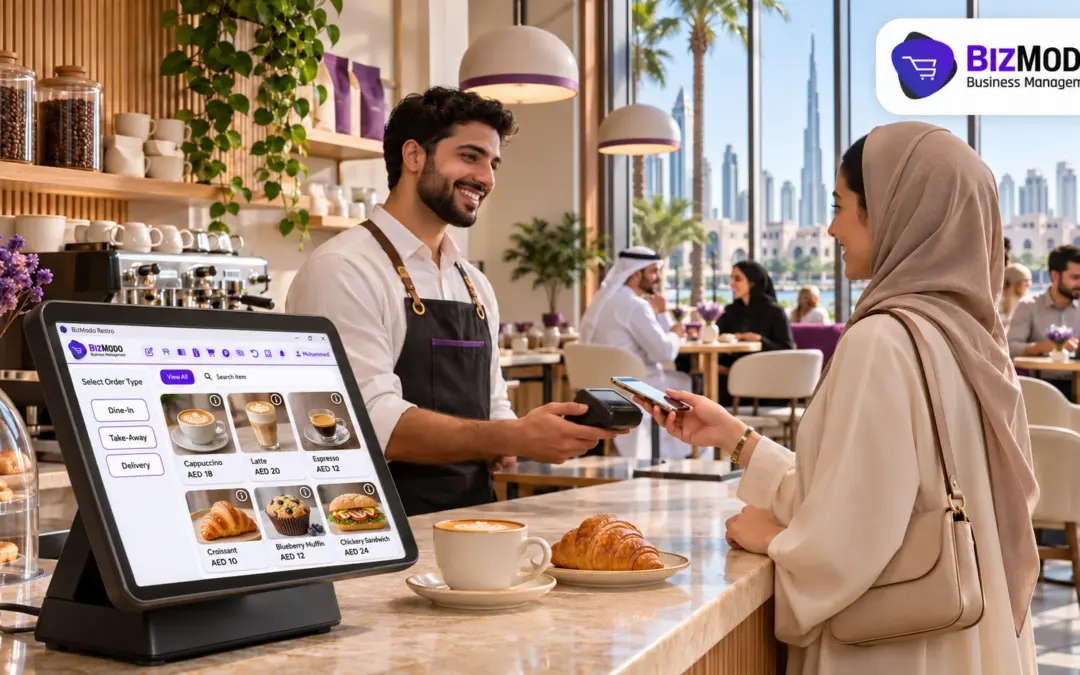
Cafe POS software cannot lower your rent, but it can make every square metre and every trading hour earn more. When orders, payments and stock sit in one connected record, a café owner can see which hours, menu items and branches cover the cost of the space, and which ones quietly lose money. That visibility lets a Dubai café absorb a rent increase through better operating decisions instead of relying only on price rises that regular customers will notice.
This guide is for café owners, managers and operators in the UAE who are facing a lease renewal, or already paying more for the same floor space. It explains how to translate a rent increase into a daily target, which levers cafe POS software gives you to hit that target, and what to check before you choose a system.
Why rising rent has become an operations problem for cafés
Retail space in Dubai is getting more expensive, and the pressure is not limited to luxury malls. Engel & Völkers Middle East reported that average Dubai retail rents rose 5.9% year on year in the first half of 2026, with continued upward pressure expected in prime locations. Cavendish Maxwell’s first-quarter data showed retail rents up 6.4%, with renewals dominating the market while new leases fell sharply.
That second point matters for cafés. When good units are scarce, most operators renew rather than relocate, so the higher rent arrives at the same address, with the same seats and the same counter. Revenue has to rise, or costs elsewhere have to fall, without any extra space to work with.
Many cafés cannot tell which lever to pull because their records are scattered. Sales come from a basic billing app, card totals from the payment terminal, stock from a weekly count on paper, and delivery orders from a separate tablet. Cafe POS software replaces that patchwork with a single record of every sale, so the questions a rent increase raises can be answered from data rather than guesswork.
Turn the rent increase into a daily number
Before changing anything, convert the new rent into a figure your team can act on each day.
The following calculation is illustrative and uses assumed figures, not data from a BizModo customer.
Suppose a neighbourhood café pays AED 300,000 a year and the landlord asks for a 7% increase on renewal. That is AED 21,000 more per year, or about AED 1,750 a month and roughly AED 58 per trading day across a 360-day year.
AED 58 a day sounds manageable, but it is profit that has to be found, not revenue. If the café’s gross margin on drinks and food is around 65%, it needs about AED 90 in extra daily sales to cover the increase from sales alone. At an average ticket of AED 30, that is three additional orders every day, or a combination of slightly higher tickets, less waste and lower overtime.
Breaking the number down like this shows that a rent increase is rarely solved by one big change. It is usually covered by several small, measurable improvements, and measuring them is exactly what good cafe POS software is built to do.
Six ways cafe POS software helps a café earn more from the same space
1. Find the hours that actually pay the rent
Rent is a fixed cost spread across every hour you are open, but sales are not spread evenly. A typical café might do much of its trade in a morning commuter rush and a mid-afternoon peak, with quiet stretches in between.
Cafe POS software records the time of every sale, so hourly and daily sales reports show where revenue really comes from. With a few weeks of data, a manager can see whether the last two hours of the evening cover their staff and utility costs, whether a weekend brunch window is worth extending, and when to schedule deliveries and prep so they do not clash with the rush.
2. Push more orders through the same counter
During a peak, the counter is the bottleneck. If the queue reaches the door, some customers walk away, and that lost revenue never appears in any report.
Several capabilities help a café serve more people without adding floor space:
- Fast touch ordering with modifiers, so a cashier can enter “flat white, oat milk, extra shot” in a few taps instead of writing on a cup.
- Orders routed to a barista or kitchen screen, which cuts shouted instructions and remakes.
- QR menu ordering from the customer’s phone, so seated guests order without joining the counter queue.
- Mixed tenders in one sale, so splitting a bill between card and cash does not hold up the line.
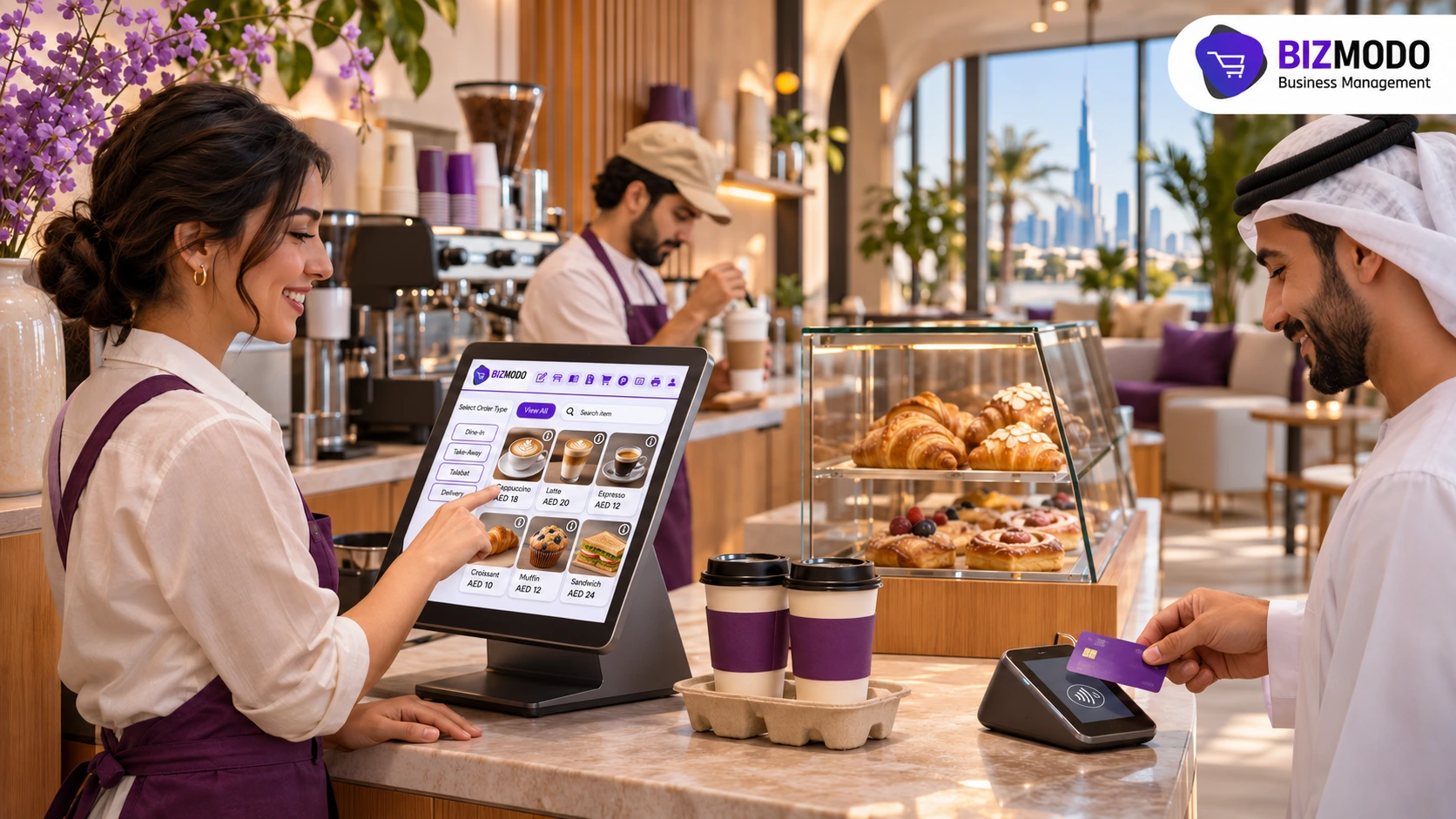
Every remade drink or abandoned order is wasted rent. Cafe POS software with these workflows lets the same two staff members and the same few square metres of counter handle more covers per hour.
3. Price the menu by margin, not by instinct
When rent rises, the reflex is to add AED 1 or AED 2 to everything. Some items carry strong margins and can absorb a small price change; others are already priced at what the market will bear and are better promoted, reformulated or removed.
Cafe POS software that tracks both sales volume and the cost of what goes into each item shows which products contribute most to gross profit. A manager can then raise prices selectively, push high-margin add-ons such as an extra shot or a pastry pairing, and drop slow, low-margin items that take up display space and prep time. The goal is a higher average contribution per order, not just a higher average price.
4. Cut end-of-day waste on bakery and perishables
Waste is rent you paid to store and display food that nobody bought. Pastries, sandwiches and cut fruit are common culprits because they are prepared in the morning based on yesterday’s guess.
When sales and stock live in the same system, a manager can compare what was prepared with what was sold, by item and by day of the week. That makes it practical to bake less on slow days, move items to a reduced-price slot before closing, and reorder perishables only when stock reaches a sensible level. Low-stock alerts in your cafe POS software help prevent the opposite problem, running out of a best-seller during the rush.
5. Earn beyond your seats with takeaway and online orders
Seats are limited by the lease. Takeaway, pre-orders and online ordering are not. Revenue from customers who never sit down spreads the fixed cost of the unit across more sales.
The useful test is whether online and in-store orders land in the same record. If delivery and web orders sit on a separate tablet, the café loses sight of true daily sales and stock. Cafe POS software that receives online orders alongside counter sales keeps one view of demand and one stock figure, which makes the extra channel easier to manage at peak times.
6. Compare branches before you sign the next lease
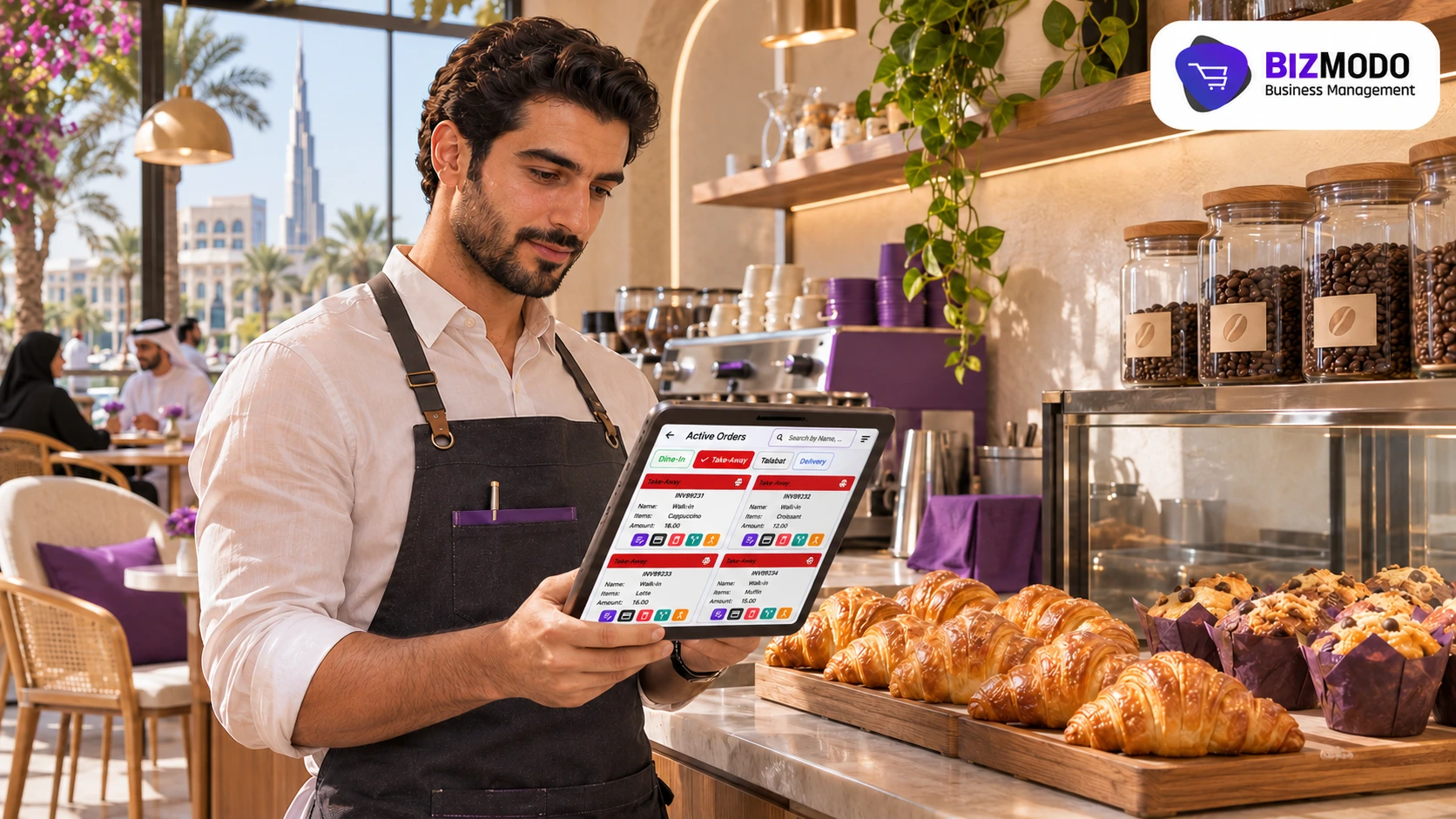
For multi-site operators, rent pressure raises a harder question: which branches justify their lease? Cafe POS software with multi-branch reporting lets you compare sales, average ticket, waste and peak-hour performance by location under the same definitions.
That comparison is valuable at renewal time. If one branch consistently trails the others on sales per trading hour, the owner can negotiate with evidence, adjust that site’s menu and hours, or plan an exit before committing to another term.
How to choose the best POS system for cafe operations under cost pressure
There is no universal best POS system for cafe businesses. The right choice depends on your service model, number of sites, delivery mix and the hardware you already own. Under rent pressure, though, a few criteria matter more than a long feature list.
- Reporting you will actually use. Ask to see hourly sales, item-level profitability and branch comparison reports in the demo, using sample data shaped like your menu.
- Connected stock. Confirm that the cafe POS software deducts stock automatically when a sale closes and that low-stock alerts can be set per item.
- Counter speed. Time how long it takes to enter your three most complicated drinks with modifiers.
- Self-service options. Check whether QR menu ordering or kiosk options are included in the plan you are considering or charged separately.
- Online orders in one record. Ask which channels feed directly into the POS and which still require manual entry.
- Offline behaviour. Find out what can still be billed if the internet drops and how sales sync afterwards.
- Tax invoices. For VAT-registered cafés, every receipt should meet the invoice requirements; BizModo’s cafe POS guide to orders, payments and stock explains what a simplified tax invoice must show. Software formats the invoice, but registration, rates and filing remain the business’s responsibility.
- Total monthly cost. Add up the subscription, optional modules, additional users and hardware. A cheaper plan that forces you to run a second app for stock or online orders may cost more in time.
When comparing vendors, judge cafe POS software on whether it answers the questions your rent increase raises, not on how many features appear on the pricing page.
Common mistakes cafés make when costs rise
Raising every price by the same amount. Uniform increases hit loyal customers on their usual order and ignore the items with room to move. Use margin data to target changes.
Cutting staff hours blindly. Removing a barista from the peak saves wages but can lose more in abandoned orders. Use hourly sales reports to trim quiet periods instead.
Buying cafe POS software and skipping setup. Profitability and waste reports are only as accurate as the item costs and stock figures you enter. Set up your best-selling items properly before go-live.
Ignoring the reports. Cafe POS software only saves money if someone reviews the numbers. A short weekly review of peak hours, top margin items and waste is usually enough to keep decisions on track.
Where BizModo fits
BizModo is a UAE-based POS and ERP platform that combines point of sale, inventory, accounting, CRM and HR modules in one system. For cafés, the capabilities confirmed on its website include touch ordering with modifiers, a kitchen app for routing orders, a counter app, QR menu ordering, payment links and shareable invoice links, VAT-compliant billing, real-time stock tracking with low-stock alerts, multi-branch management with stock transfers, online order receipt through an app or e-commerce website, English and Arabic support, and real-time sales reporting. Its Restaurant POS covers the food-service workflows that cafés share with restaurants.
BizModo publishes its plans on the pricing page, including a free tier for a single location and paid plans in AED, with several modules marked as optional. Because availability varies by plan, confirm which features your café needs, such as the kitchen app, QR menu or HR module, are included in the plan you choose. Its cafe POS software suits operators who want orders, stock and books in one place rather than several disconnected apps. As with any vendor, test offline billing, delivery-channel handling and reporting against your own menu before you commit.
Frequently asked questions
Can cafe POS software reduce my rent?
No. Rent is set by your lease. What the software can do is show where your café earns and loses money, so you can cover the increase through better pricing, staffing, waste control and extra sales channels, and negotiate renewals with clearer evidence.
How long before the reports are useful?
Hourly and item-level patterns in cafe POS software usually become clearer after several weeks of consistent data. Accuracy depends on entering correct item costs and opening stock at setup.
Is cafe POS software worth it for a single small café?
It depends on how much time you currently spend reconciling sales, stock and payments by hand, and how much waste you cannot explain. Compare the monthly subscription with the daily figure your rent increase requires.
Talk to BizModo about your café’s numbers
If your lease renewal is approaching, the most useful demo of cafe POS software is one built around your own figures. Contact BizModo to discuss your requirements or request a demonstration, and ask the team to show the hourly sales, item profitability and stock reports for a menu like yours. You can also call or WhatsApp BizModo on +971 50 405 9006.