
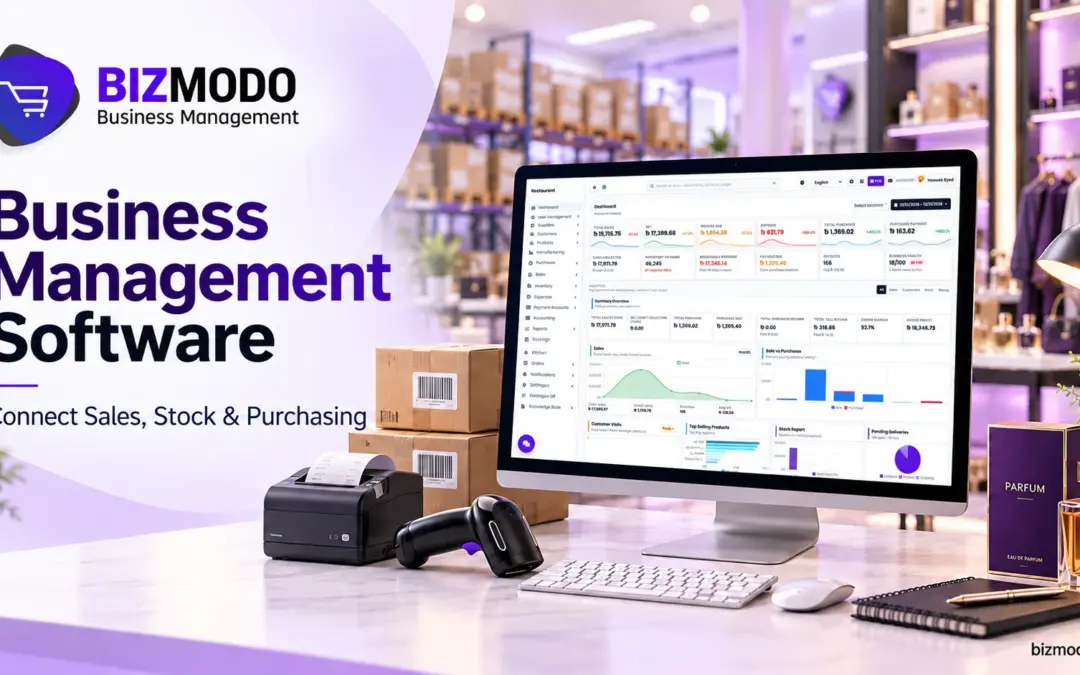
Business management software helps UAE businesses connect sales, inventory, purchasing, and payment records. For a retailer, trading company, or distributor, its practical value is being able to follow a transaction without calling several departments or comparing conflicting spreadsheets.
The problems usually appear between tasks. A salesperson promises an item that the warehouse cannot locate. Purchasing orders products another branch already holds. Accounts follows up on an invoice without knowing that the customer received only part of the delivery.
Connecting these activities gives employees a clearer starting point. However, useful results depend on accurate records, suitable workflows, and staff responsibilities. Before choosing a platform, identify which handovers cause delays and what information each employee needs to complete them.
Why separate records create everyday operating problems
A spreadsheet can work well for a specific task. Difficulties begin when several versions describe the same customer, product, or transaction. One employee updates a delivery quantity while another continues working from yesterday’s stock report.
Business management software can reduce these gaps when departments use shared records. That does not remove the need for checks. Staff still need to record deliveries correctly, explain adjustments, and distinguish available products from damaged goods or stock already committed to customers.
Start with three questions. Can sales confirm what is available? Can purchasing see what is already ordered? Can accounts trace a payment to the correct invoice? These questions reveal operational requirements more clearly than a long feature list.
What business management software should bring together
A suitable platform connects transaction details with the operational records behind them. Depending on the setup, this may include customer orders, supplier purchases, inventory movements, payments, and management reports. Confirm the connections during a demonstration instead of assuming every module shares information automatically.
A POS system mainly supports checkout transactions, while ERP software covers broader business processes. Their functions can overlap. The important question is whether the proposed setup handles your actual work, including corrections, returns, and incomplete deliveries.
BizModo’s business management solutions list inventory management, sales processing, financial management, reporting, and branch management. Its website also describes converting quotations into invoices and transferring stock between branches. Ask which capabilities are included in your quotation and which require additional configuration.
Follow a purchase from delivery to customer sale
Evaluate business management software using one familiar product. Follow it from the supplier’s delivery through storage, transfer, sale, and payment. This makes missing information easier to notice than a demonstration that jumps between unrelated screens.
Record what actually arrives
Consider a hypothetical order for 50 desk lamps. The supplier delivers 46, and two arrive damaged. Your records should distinguish the ordered quantity, delivered quantity, and 44 units accepted as saleable stock.
Ask how staff record the missing four lamps and the two damaged items. Can purchasing identify the supplier action still required? Can accounts review the discrepancy before approving the related bill?
Business management software is useful here when the buyer and warehouse team refer to the same receipt. Otherwise, purchasing may chase goods already received or overlook a shortage because someone marked the entire order complete.
Keep location changes visible
Next, transfer ten accepted lamps from the warehouse to a shop. Check the sending location, receiving location, quantities, and confirmation process. Ask what each location displays before the receiving employee confirms arrival.
Products travelling between branches should not create confusion about what is ready to sell. Test whether the platform distinguishes stock in transit from available stock, and establish who investigates a transfer that remains unconfirmed.
Connect the sale with its payment status
Sell one lamp and review the resulting records. Check the stock location, selling price, invoice reference, and payment status. Then test a return and inspect what happens to the customer balance and returned item.

For credit customers, business management software should support clear payment allocation. Demonstrate a partial payment against an earlier invoice, then confirm that the remaining amount is understandable to both sales and accounts.
At closing time, compare recorded daily cash with the amount counted and review card transactions separately. Ask how business management software records a discrepancy without hiding the original transaction. Assign unresolved differences to a named employee, with supporting notes and a clear follow up date.
Make purchasing decisions using usable stock information
A low quantity does not automatically justify another supplier order. Products may already be on order, available at another branch, or moving too slowly to replenish immediately. Purchasing needs that context before committing more money.
For example, one shop may request 20 units while another holds 30 with little recent demand. A transfer could be worth considering, provided the products are available and transport costs make sense.
Use business management software to review saleable quantities, recent sales, outstanding purchase orders, and customer commitments together. Confirm which figures update automatically and which depend on employees entering information.
Agree a review routine for unusual purchasing decisions. A buyer should be able to explain why an order differs from recent demand, whether a promotion is planned, and whether a supplier minimum affects the quantity. Recording that context helps the next reviewer understand the decision.
Supplier performance also deserves attention. Compare promised deliveries with actual receipts and note repeated shortages or damaged items. Ask whether business management software can show the records needed for that review. Keep the conversation grounded in identifiable orders rather than relying on staff recollection.
Keep product codes and units consistent
Even detailed reports become unreliable when the same item appears under different names. Agree a product naming convention and assign responsibility for creating new records. Check existing records before importing another supplier catalogue.
Buying by the carton and selling by the piece requires clear conversion rules. A carton containing twelve bottles should not be treated as one bottle during receiving or as twelve cartons during checkout.
Before importing records into business management software, test barcodes, pack sizes, variants, and selling units with actual products. Scan a sample at checkout and during receiving. Resolve duplicate codes before expanding the catalogue.

Keep discontinued items identifiable so historical transactions remain understandable. Decide how replacement products are recorded and who approves changes to descriptions, purchasing units, and prices. Consistent maintenance matters after launch as much as initial cleaning.
Keep field sales connected with office records
Distributors have another handover to manage when representatives work away from the office. During one customer visit, a representative may take a new order, collect an old balance, and accept returned goods.
Business management software should help the office distinguish these activities. A collection against an earlier invoice must remain traceable, and a returned item needs a recorded quantity, condition, and destination.
Ask for a demonstration covering all three activities within one visit. Check what happens if the representative enters an incorrect quantity or loses connectivity before submitting the transaction.
Confirm when information reaches the office and how staff identify unsynchronised entries. Establish a daily review of outstanding transactions so exceptions are handled before the next delivery round or customer statement.
Choose business management software around your operating model
An apparel store, electronics retailer, and wholesale supplier may need similar core records but different details. Clothing requires sizes, colours, and exchanges. Electronics may require serial numbers. Wholesalers should test pack quantities, negotiated prices, and credit terms.
The best point of sale system for your business is the one that handles normal transactions and common exceptions clearly. When evaluating a POS system in the UAE, include the warehouse and accounts teams in the demonstration.
Compare business management software against equipment compatibility, reporting needs, staff permissions, and essential connections. Ask vendors to name supported payment terminals and online store integrations. A general statement about integration is insufficient for planning your setup.
For point of sale software in the UAE, request a written scope covering users, devices, branches, implementation, training, and support. Confirm recurring charges and the cost of adding another location. Evaluate the complete proposed setup before comparing prices.
Protect access to business management software
Connected records require controlled access. A cashier may need to complete sales without changing supplier bank details. A warehouse employee may need to confirm receipts without approving payments. Define permissions around responsibilities.
Ask whether each employee can have an individual account, whether sensitive changes are logged, and how access is removed when someone leaves. Test the approval process for refunds, stock adjustments, and unusual discounts.
The NIST Small Business Cybersecurity Corner provides external resources covering topics such as employee awareness, cloud security, and multifactor authentication. Use these resources to prepare practical security questions for your provider.
Protecting business management software also involves the devices used to access it. NIST’s guidance on securing data and devices collects resources on protecting business information, mobile devices, and software. Assign responsibility for device updates and account reviews instead of assuming the software subscription covers every task.
Roll out business management software in manageable stages
Begin with product, customer, and supplier records. Remove duplicates, check opening stock, and reconcile outstanding balances. Assign an owner to each record type so employees know where to report an error.
Pilot the proposed setup with one manageable location or product range. Include a normal sale, partial delivery, branch transfer, customer return, and payment correction. Ask the employees who perform these tasks to complete them during testing.
Compare the results with physical counts and supporting documents. Record discrepancies, assign someone to resolve them, and repeat the affected transaction before expanding the rollout. Training should cover corrections as well as straightforward transactions.
Agree how the business will operate during interruptions. Ask what works without internet access, how pending transactions are handled, and who provides support. Request details about backups, recovery, and data exports before the business depends on the platform.
Before launch, give staff a short practical reference covering frequent tasks and the person responsible for each exception. Business management software becomes easier to adopt when employees know how to correct mistakes, request help, and finish their daily checks without waiting for the project team.
Measure whether daily work becomes easier to control
Define a small set of measures before implementation. Useful examples include time spent preparing daily reports, unexplained stock differences, duplicate entries, and payment queries awaiting clarification. Record a starting point so later comparisons mean something.
Review these measures consistently after launch. Investigate why employees still keep separate unofficial records. They may be missing training, waiting for a configuration change, or dealing with a workflow that needs adjustment.
Business management software delivers practical value when employees can trace transactions and managers can act on information they understand. Start with the handovers causing the most difficulty, test them properly, and expand once the records are dependable.
Contact BizModo to discuss your sales channels, stock locations, purchasing process, and reporting requirements. Request a demonstration that follows one product from supplier delivery through sale and payment, using examples your team recognises.
 BizModo
